Vision Glass Card
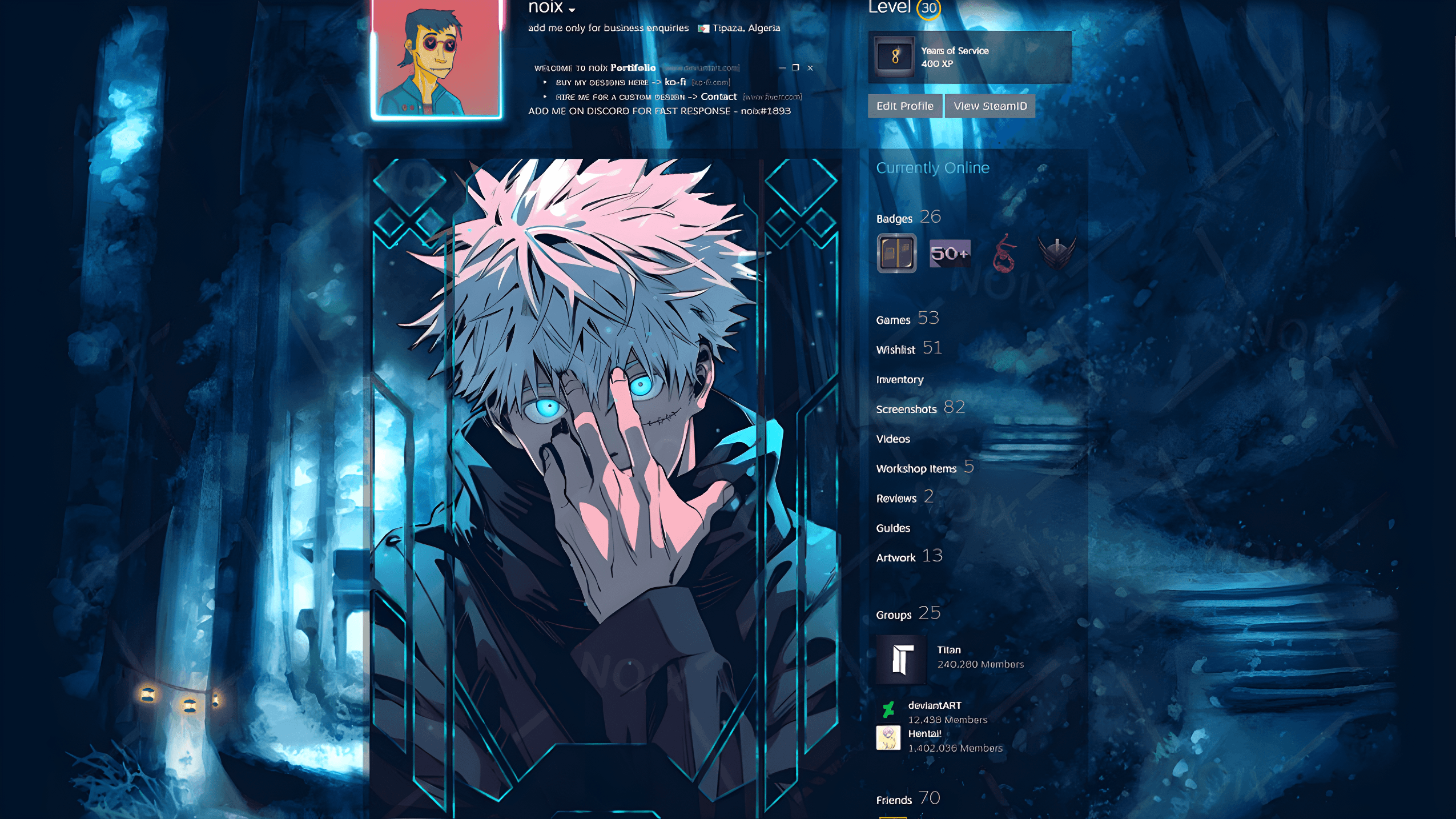
A visually rich glass-style card component with smooth tilt interaction and depth-based motion effects, powered by motion and VanillaTilt. It creates a dynamic 3D illusion using parallax shifts, specular highlights, and spring-based animations.
Installation
Install with CLI
Choose your package manager.
npx @praveenlodhi/elixir-ui add vision-glass-cardpnpm dlx @praveenlodhi/elixir-ui add vision-glass-cardyarn dlx @praveenlodhi/elixir-ui add vision-glass-cardbun x @praveenlodhi/elixir-ui add vision-glass-cardInstall dependencies
npm install motion vanilla-tilt clsxpnpm add motion vanilla-tilt clsxyarn add motion vanilla-tilt clsxbun add motion vanilla-tilt clsxAdd VisionGlassCard component
Create a file at components/ui/vision-glass-card.tsx and paste the
VisionGlassCard source.
"use client";

import React, { useEffect, useRef } from "react";

import Image from "next/image";

import clsx from "clsx";
import { motion, useMotionValue, useSpring, useTransform } from "motion/react";
import VanillaTilt from "vanilla-tilt";

import { cn } from "../lib/utils";

// adjust path if needed

interface HTMLDivElementWithVanillaTilt extends HTMLDivElement {
  vanillaTilt?: { destroy: () => void };
}

const SPRING = { stiffness: 55, damping: 18, mass: 1 };

export interface VisionGlassCardProps {
  src?: string;
  label?: string;
  className?: string; // ✅ added
}

export function VisionGlassCard({
  src = "https://plus.unsplash.com/premium_photo-1682124752476-40db22034a58",
  label = "Vision Glass Card",
  className, // ✅ added
}: VisionGlassCardProps) {
  const tiltRef = useRef<HTMLDivElementWithVanillaTilt | null>(null);

  const rawX = useMotionValue(0);
  const rawY = useMotionValue(0);
  const x = useSpring(rawX, SPRING);
  const y = useSpring(rawY, SPRING);

  const tx0 = useTransform(x, [-100, 100], [-8, 8]);
  const ty0 = useTransform(y, [-100, 100], [-8, 8]);

  const specX = useSpring(useTransform(x, [-100, 100], [50, 200]), SPRING);
  const specY = useSpring(useTransform(y, [-100, 100], [50, 200]), SPRING);

  const scaleRaw = useMotionValue(1.3);
  const scale = useSpring(scaleRaw, { stiffness: 25, damping: 14 });

  useEffect(() => {
    const el = tiltRef.current;
    if (el) {
      VanillaTilt.init(el, {
        max: 15,
        speed: 300,
        transition: true,
        glare: true,
        "max-glare": 0.25,
        reverse: true,
        scale: 1.02,
      });
    }
    return () => el?.vanillaTilt?.destroy();
  }, []);

  const handleMouseMove = (e: React.MouseEvent<HTMLDivElement>) => {
    const r = e.currentTarget.getBoundingClientRect();
    rawX.set(Math.max(-100, Math.min(100, e.clientX - (r.left + r.width / 2))));
    rawY.set(Math.max(-100, Math.min(100, e.clientY - (r.top + r.height / 2))));
  };

  return (
    <div
      ref={tiltRef}
      onMouseMove={handleMouseMove}
      onMouseEnter={() => scaleRaw.set(1.2)}
      onMouseLeave={() => {
        rawX.set(0);
        rawY.set(0);
        scaleRaw.set(1.35);
      }}
      className={cn(
        // ✅ merged here
        "relative min-w-60 cursor-pointer",
        className
      )}
      style={{
        aspectRatio: "11/16",
        borderRadius: 27,
        transformStyle: "preserve-3d",
        perspective: "900px",
        boxShadow:
          "0 40px 80px rgba(0,0,0,0.15), 0 10px 100px rgba(0,0,0,0.15)",
      }}
    >
      <div
        style={{
          position: "absolute",
          inset: 0,
          borderRadius: 20,
          overflow: "hidden",
          transformStyle: "preserve-3d",
        }}
      >
        <motion.div
          style={{
            position: "absolute",
            inset: 0,
            x: tx0,
            y: ty0,
            scale,
            transform: "translateZ(0px)",
          }}
        >
          <Image
            src={src}
            alt={label}
            fill
            className={clsx("object-cover")}
            priority
          />
        </motion.div>

        <motion.div
          style={{
            position: "absolute",
            x: specX,
            y: specY,
            width: 52,
            height: 52,
            borderRadius: "50%",
            background:
              "radial-gradient(circle, rgba(255,255,255,0.5) 0%, transparent 70%)",
            filter: "blur(7px)",
            transform: "translateZ(30px)",
            pointerEvents: "none",
          }}
        />
      </div>

      <div
        style={{
          position: "absolute",
          inset: 0,
          borderRadius: 26,
          transform: "translateZ(35px)",
          pointerEvents: "none",
          boxShadow: `
            inset 0 2px 0px rgba(255,255,255,0.55),
            inset 0 -2px 0px rgba(0,0,0,0.25),
            inset 2px 0px 0px rgba(255,255,255,0.18),
            inset -2px 0px 0px rgba(0,0,0,0.18),
            0 0 0 1px rgba(255,255,255,0.10)
          `,
          background: `
            radial-gradient(ellipse 90% 50% at 50% 0%,   rgba(255,255,255,0.15) 0%, transparent 60%),
            radial-gradient(ellipse 90% 30% at 50% 100%, rgba(0,0,0,0.18)       0%, transparent 60%),
            radial-gradient(ellipse 30% 80% at 0%   50%, rgba(255,255,255,0.10) 0%, transparent 55%),
            radial-gradient(ellipse 30% 80% at 100% 50%, rgba(0,0,0,0.12)       0%, transparent 55%)
          `,
        }}
      />
    </div>
  );
}
Usage
import { VisionGlassCard } from "@workspace/ui/components/vision-glass-card";

export function Demo() {
  return <VisionGlassCard src="/path/to/image.png" label="Image Label" />;
}
Props
Prop
Type
Liquid Frame
Liquid Frame is an interactive image component that creates fluid ripple effects in response to mouse movement, combining WebGL shaders with three.js for smooth wave propagation and distortion animations.
Orbital Flow
OrbitalFlow is an animated layout component that arranges items in concentric rotating orbits around a central element. It’s ideal for visualizing relationships, ecosystems, or grouped content in an interactive and visually appealing way.